
Know your players.
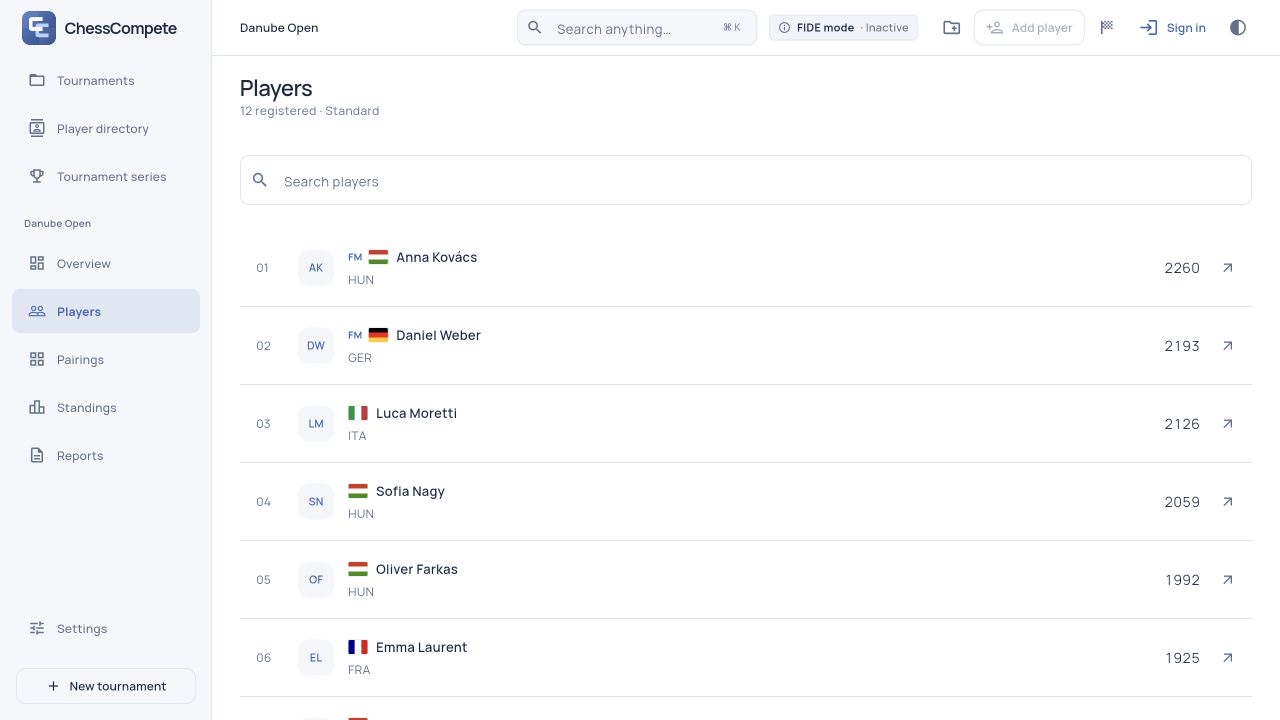
Add players or import a CSV roster. Keep standard, rapid and blitz ratings together, with player profiles and game history a click away.
From the first registration to the final standings. Bring players, pairings and results together in one calm workspace.
Web preview · No account needed for the demo
Prepare the field, manage the boards and take the results with you. The essentials, connected.
Explore all featuresAdd players or import a CSV roster. Keep standard, rapid and blitz ratings together, with player profiles and game history a click away.
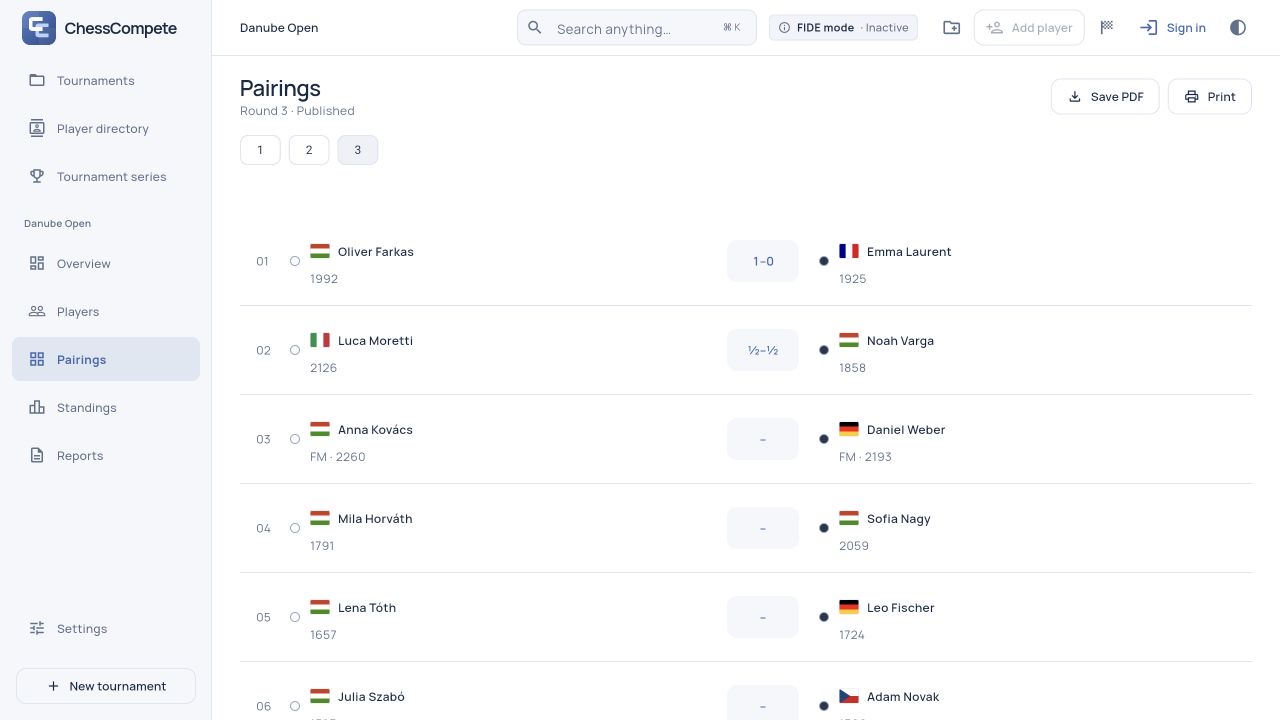
Swiss or round robin. Review the proposed pairings, confirm the round and enter each board’s result in the same workspace.
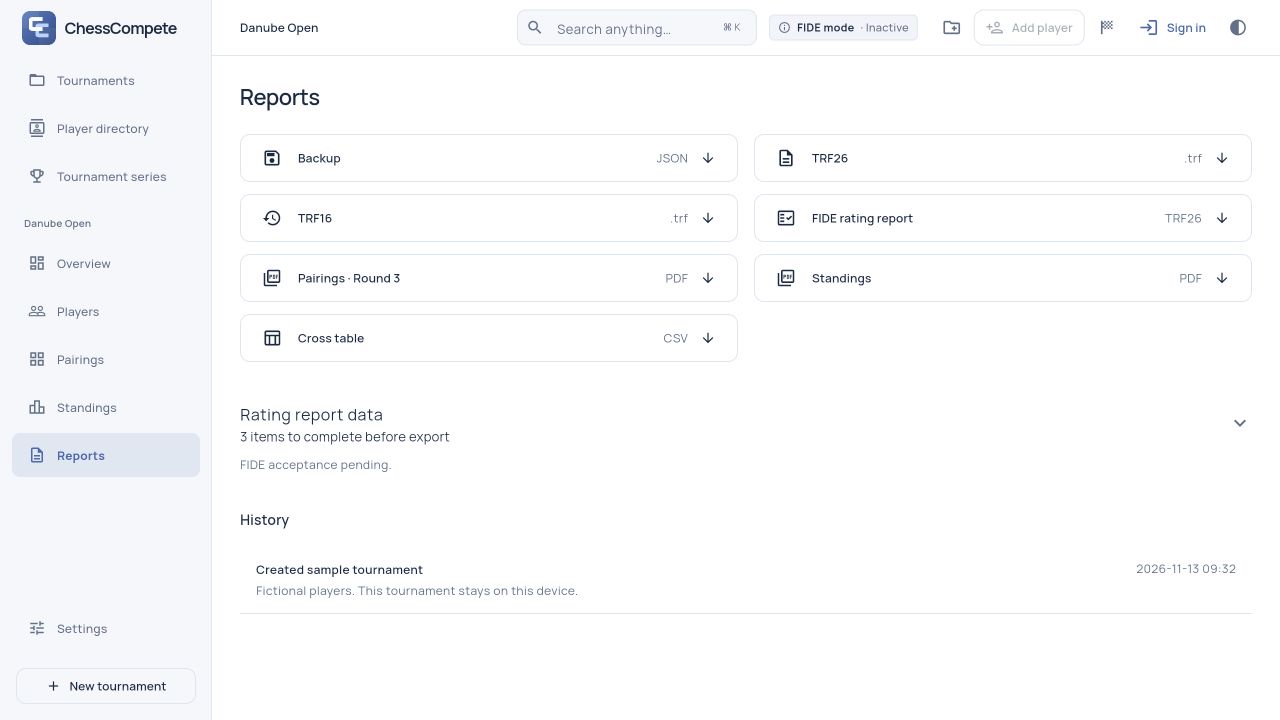
Save pairing sheets and standings as PDF, print them, export a CSV or download a complete tournament backup.
Create the tournament, import or enter players, then set the pairing system, scoring and tie-break order.
Generate and review the pairings. Record every result before pairing the next round.
Export the final standings and download a full tournament backup.
An activated tournament stays with you. Pairings, results and local reports are available without a connection.
Explore offline workOpen the app and activate your tournament before the event.
Pair rounds and record results on your device.
Reconnect and start synchronization manually.
Try the demo and set up your tournament for free. You need a subscription to start the first round.
Subscriptions are not on sale yet. These are our planned prices.
No card needed.
or €3.90 / month
No per-tournament fee. Subscriptions renew automatically; you can cancel in your account.
No. Implementation and independent verification are incomplete. The app shows FIDE mode as inactive.
The demo, tournament setup and player registration. A subscription is required to start the first real round. Payments currently use test mode.
Sign-in, subscription activation and synchronization. An already activated tournament can continue offline. In a browser, load the app online first and allow it to finish downloading.
The web preview is available in a browser. Native iPhone, iPad and Mac apps are in development and are not yet available in the App Store. The app interface is currently in English.
Explore a sample tournament with pairings and standings.